 Phenquestions
PlayOnLinux is a graphical user interface oriented software utility that enables us to execute the windows application on Linux. The PlayOnLinux is based on Wine, a famous application that allows us to execute and use Windows apps on Linux. Wine does not have any user interface. Therefore, it is a bit complicated to perform the configurations and run Windows applications using Wine. The PlayOnLinux overcome the Wine's complexity by providing a graphical user interface, and you can easily install windows application on Linux.
The PlayOnLinux is available for Ubuntu 20.04 from the Ubuntu Software Center and standard repository. This post will install PlayOnLinux on Ubuntu 20.04 from Ubuntu Software Center and the standard repository.
Installing PlayOnLinux on Ubuntu 20.04 from Ubuntu Software Center
To install PlayOnLinux from Ubuntu Software Center, open the Ubuntu Software Center from the Application Menu.
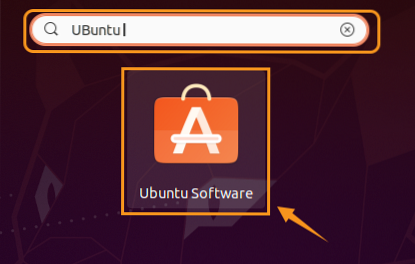
Search for the PlayOnLinux.

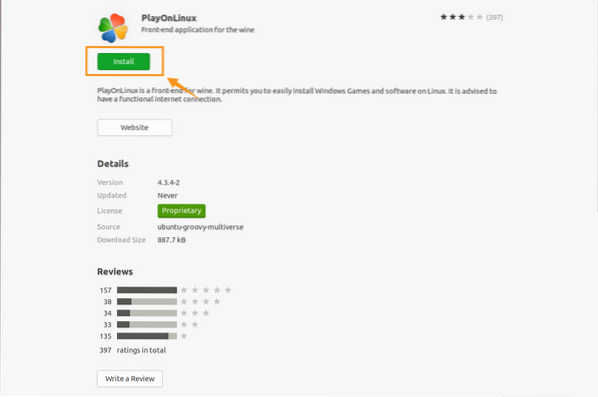
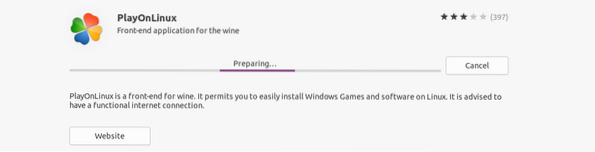
Now, click on the PlayOnLinux application. To install PlayOnLinux on Ubuntu 20.04, click on 'Install'.
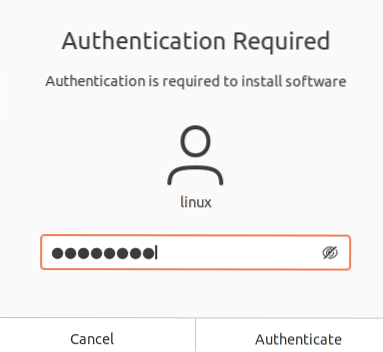
The system requires authentication before initiating the installation. Enter the password and click 'Authenticate'.
Installing PlayOnLinux on Ubuntu 20.04 from the standard repository
As PlayOnLinux is a popular, free, and open-source application, it is included in the Ubuntu 20.04 standard repository. Before installing PlayOnLinux from the standard repository, update the system's repository with the command:
$ sudo apt update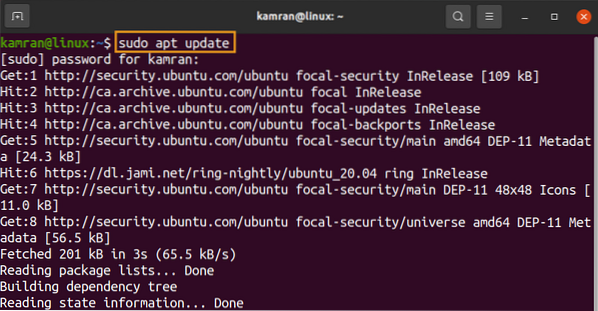
Next, install the PlayOnLinux with the command:
$ sudo apt install playonlinux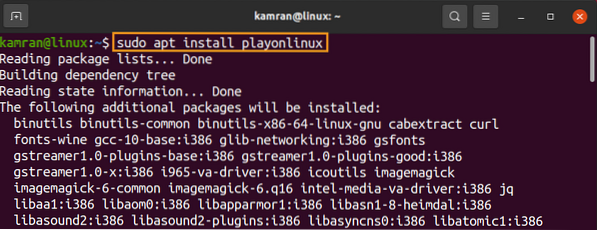
Press 'y' to continue installing PlayOnLinux.

When the PlayOnLinux is successfully installed, verify the installation, and check the installed version with the command:
$ playonlinux --version
The output shows that PlayOnLinux 4.3.4 is installed on my Ubuntu 20.04.
Launch and use PlayOnLinux
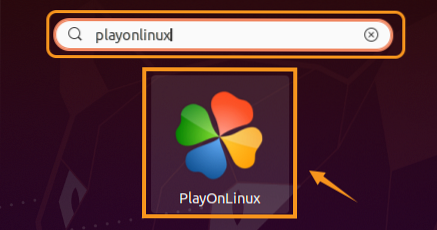
Now let's launch and use PlayOnLinux. Open the Application Menu and search for the PlayOnLinux.
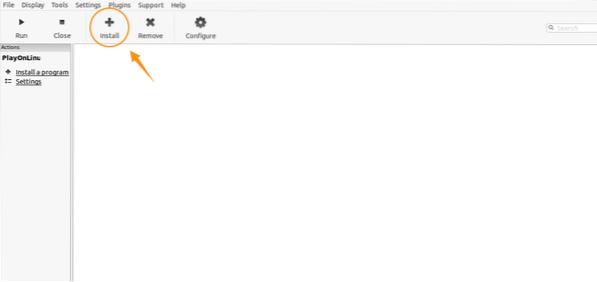
The PlayOnLinux dashboard screen will appear. Click on 'Install' to install any Windows application using PlayOnLinux.
Select a relevant category like games.
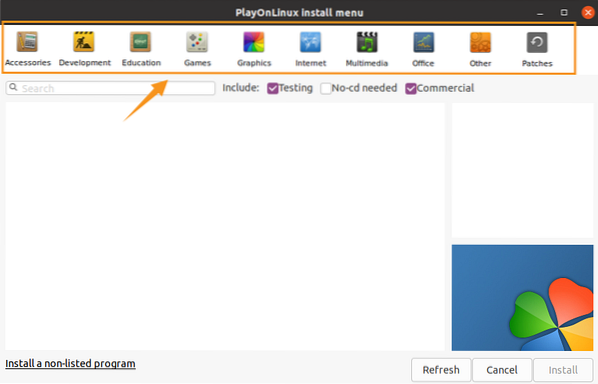
Select any game and click on 'Install' to install it.
Conclusion
The PlayOnLinux is a popular and useful software utility that allows us to run Windows-based applications on Linux. It uses Wine as a backend program. The PlayOnLinux can be installed on Ubuntu 20.04 from the Ubuntu Software Center and standard repository.